Changing (exchanging) the order of effects
You can select and move effects within the effect chain.
- On the play screen, press the [2] knob to display the chain (effect chain).
- Turn the [SELECT] knob to select the effect you want to move.
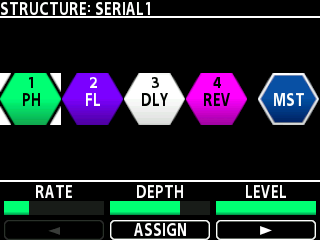
- Press the [SELECT] knob to make the selected block movable.
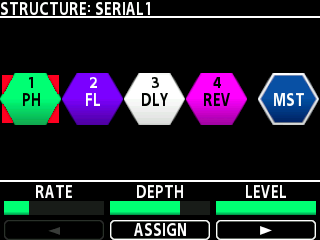
- Turn the [SELECT] knob to select where to move the effect.
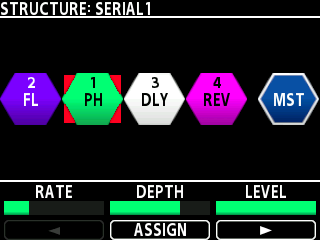
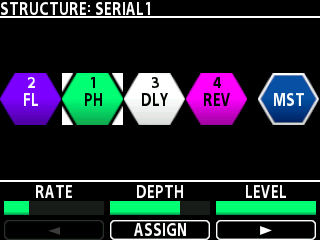
- Press the [SELECT] knob to confirm.
MEMO
You can also exchange or swap the effects within the effect block by pressing and turning the [SELECT] knob.