Enabling the SEND/RETURN feature
- Select [MENU/EXIT] Ó “HARDWARE SETTING”.
- Turn the [SELECT] knob to move the cursor to “S/R MODE”.
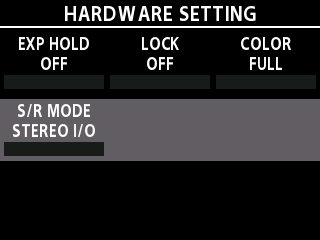
- Turn the [1] knob.
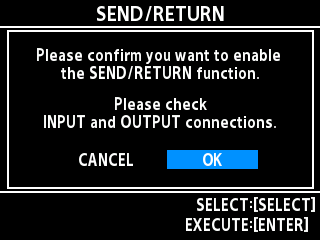
- Turn the [SELECT] knob to select “OK”, and press the [TYPE/VALUE] knob.
MEMO
When switching the S/R mode, disconnect the cables connected to the input R (return) and output R (send) jacks, and reconnect them to the correct connections so that no audio signal loops occur.