Setting the input to match settings or memories (INPUT SETTING)
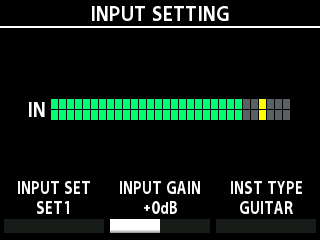
This shows you how to set the type of instrument to connect (guitar/bass), and how to adjust the input level to match the output level of your instrument.
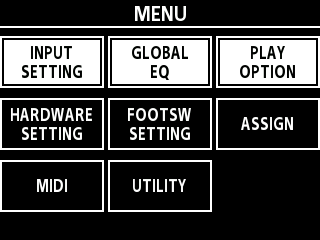
- Select [MENU/EXIT] Ó “INPUT SETTING”.
- Playing your guitar or bass strongly, adjust the input level with the [2] knob so that the yellow lights only come on briefly.
MEMO
- You can set which input set is used in the MASTER section of the memory.
- When using high-gain distortion on the EX-4 and the noise is noticeable when you’re not playing, this might be improved by adjusting the INPUT GAIN to a higher value.
- Press the [MENU/EXIT] button to return to the play screen.