Assigning a function
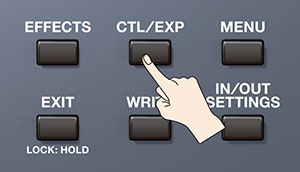
- Press the [CTL/EXP] button.
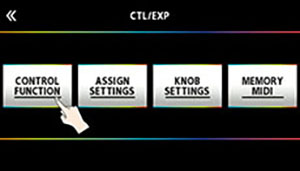
- Touch <CONTROL FUNCTION>.
- Turn the [SELECT] knob to select the item that you want to set.
- Turning the knob will move the selected item vertically.
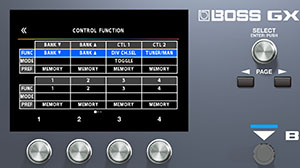
- Turn the [1]–[4] knobs to edit the value of the item selected for each switch.
- The footswitch and expression pedal functions must be specified for each memory; however, if you set “PREF (PREFERENCE)” to SYSTEM, all memories will use those functions in common.
MEMO
The GX-100 lets you arrange multiple pedal effects in the effect chain like FOOT VOLUME, WAH and so on. In CONTROL FUNCTION, the pedal effect placed at the beginning of the chain (or at “A CH” in DIV/MIX) is enabled.