Selecting a memory
The GX-1 features many different effects.
A combination of effects and their settings is called a “memory”.
There are two types of memories on the GX-1: the 99 user memories (U01–U99), which can be overwritten; and the 99 preset memories (P01–P99), which can’t be overwritten.
- Open the “play screen”.
- You cannot switch memories while any screen other than the play screen is displayed. If another screen is shown, press the [EXIT] button to return to the play screen.
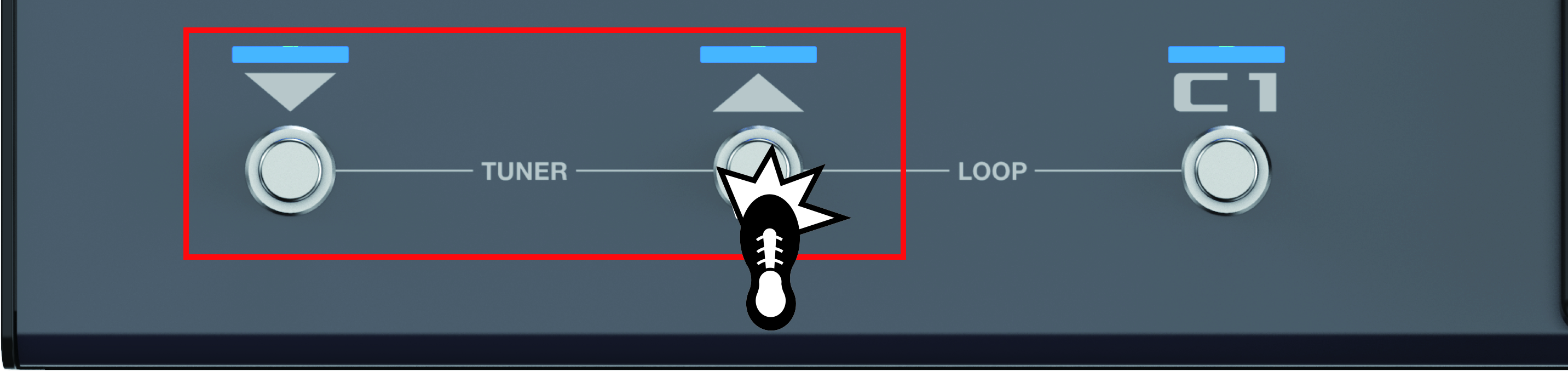
- Press the [É] [Ç] switches to switch memories.
- Press the [É] switch to recall the previous memory, and press the [Ç] switch to recall the next memory.
- When a memory is selected, the indicators of the effect buttons that are activated in the memory light up.
MEMO
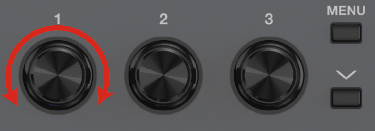
You can also change memories by turning [1] knob below the display.