Editing the effects from the play screen
You can edit effects not only from the effect chain screen but also from the play screen.
- Long-press the button of the effect you want to edit.
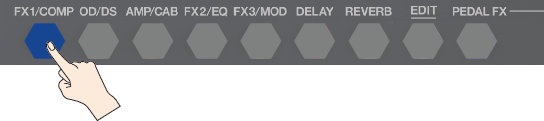
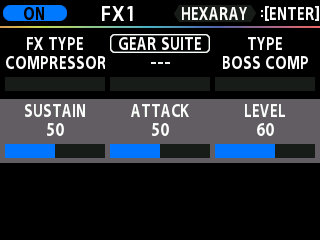
- The edit screen appears.
MEMO
Press an effect button to switch the effect on/off.
- Turn knobs [1]–[3] to set the values for the parameters. You can use the [å] [ä] buttons to move the cursor.
- Press the [EXIT] button to return to the play screen.