Editing the connection order for effects
You can select and move effects within the effect chain.
- Press the [EDIT] button.
- The effect chain screen is shown.
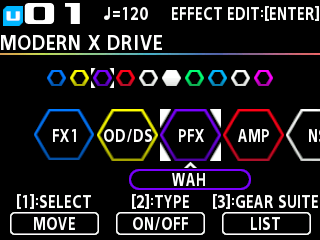
- Turn the [1] knob to select the effect you want to move.
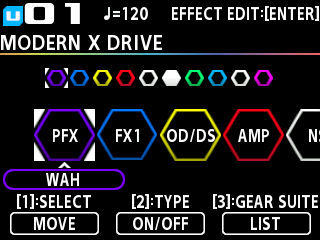
- Press the [1] knob to make the selected effect movable.
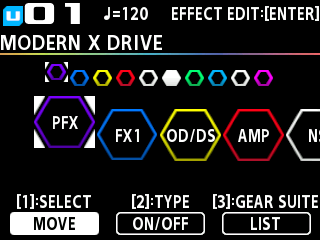
- Turn the [1] knob to select where you want to move the effect.
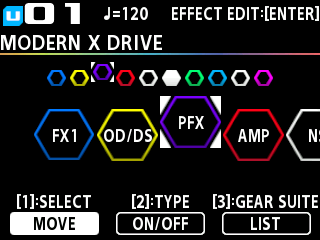
- Press the [1] knob to confirm.