Basic menu operations
- Press the [MENU] button.
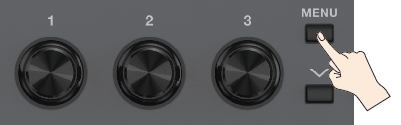
- Use the [å] [ä] buttons to move the cursor.
- Press one of the knobs [1]–[3] to select the item that you want to edit.
- A sub-menu may appear depending on the item you touch. Select the parameter to set.
- Set the values for the various parameters.
- When you’re finished editing, press the [EXIT] button to return to the play screen.