Loop playback level setting
If you set the playback level at 100 (default value), the volume of the performance and that of the loop playback will be identical.
If you set the playback level to a value lower than 100, the volume of the playback will be lower than that of the performance.
As a result, the sound of the performance won’t get buried by the loop playback sound, even if you record a multiple number of times.
- Press the [MENU] button.
- Press the [å] [ä] buttons to move the cursor to the “LOOP SETTING” row.
- Press the [2] knob.
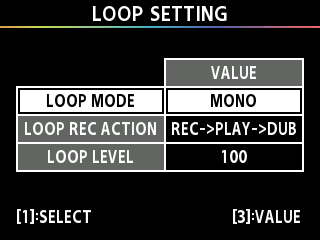
- Turn the [1] knob to move the cursor to the LOOP LEVEL row.
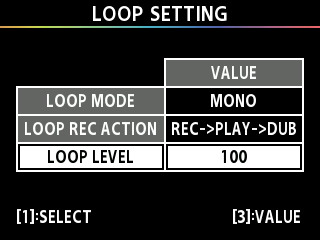
- Turn the [3] knob to specify the “LOOP LEVEL” value.