Recalling recommended settings for each effect (GEAR SUITE)
The GX-1B features several recommended settings for each effect. The function used for easily recalling these settings is called “GEAR SUITE”.
You can use this function to easily create sounds by combining settings for each effect, without having to adjust each effect’s parameters.
Recalling GEAR SUITE from the effect chain screen
MEMO
You can access GEAR SUITE from the edit screen of each effect.
- Press the [EDIT] button.
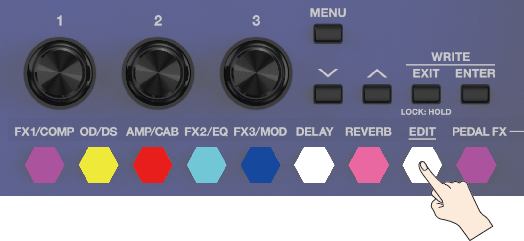
- The effect chain screen is shown.
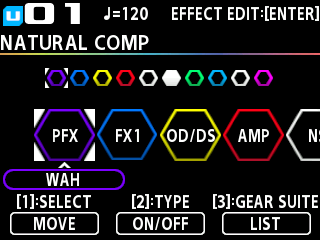
- Turn the [1] knob to choose the effect you’re going to edit.
- Turn the [3] knob to switch between the recommended settings for the selected effect.
- Press the [3] knob to view a list of recommended settings.
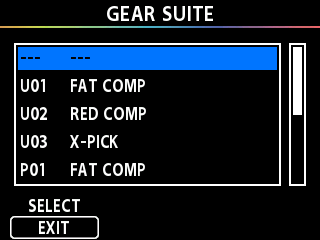
- Press the [EXIT] button or [1] knob to return to the effect chain screen.