Connecting V-Drums Play to your drum sound module
Pairing
- Set the “Bluetooth MIDI” settings of your drum sound module to “ON”.
- Refer to the manual of your drum sound module for details on how to operate it.
- On your smartphone, turn Bluetooth on.
- Launch the V-Drums Play app that you’ve installed on your smartphone, and tap the [Search for V-Drums] button.
- Tap the name of the drum sound module you’re using from the list of drums shown on the screen, and tap the [CONNECT TO DEVICE] button.
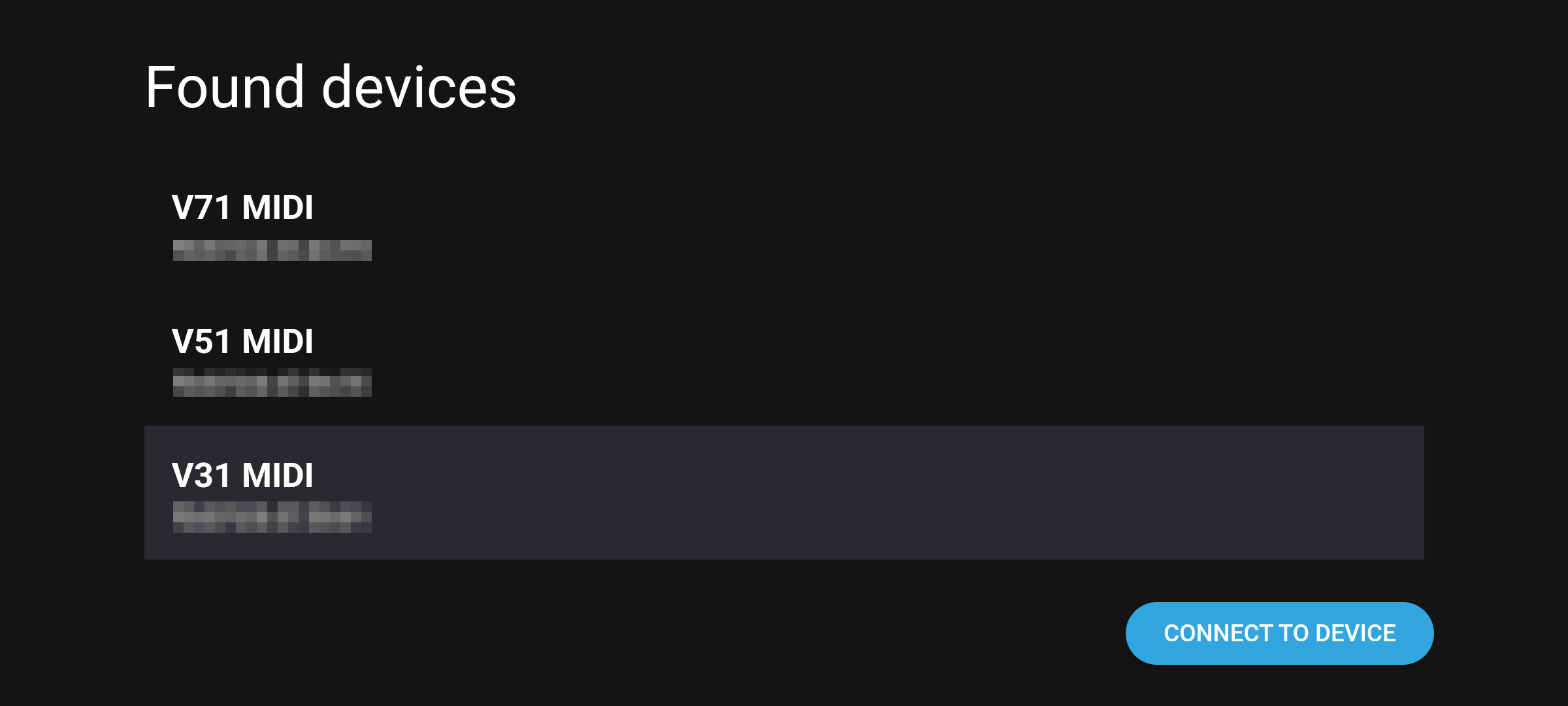
- If you see a request to make the pairing settings, follow the onscreen instructions to configure the pairing.
- Once you see the following screen, the connection is established. Wait until the data has been fully loaded from the drum sound module.
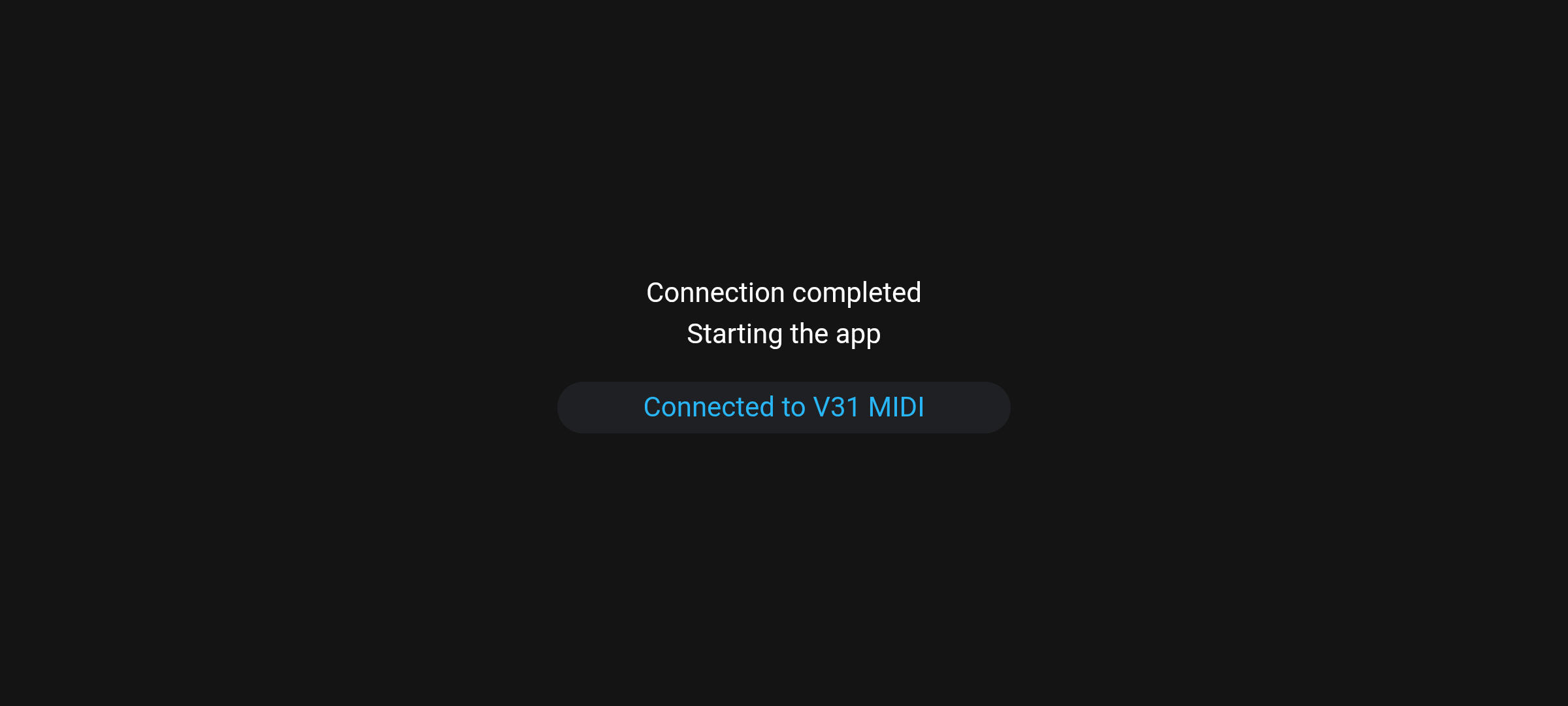
- The next time you launch the V-Drums Play app, the drum sound module to which you connected last time is connected automatically.