Connecting the DH-10 (DrumLink Hub) to the V31
- Use the USB Type-C® cable and the USB Type-C® to Type-A adaptor that are included with the DH-10 to connect the DH-10 to the V31.
- First, the blue indicator blinks several times, then the blue and red indicators remain lit.
- The following message is shown once you connect the DH-10.
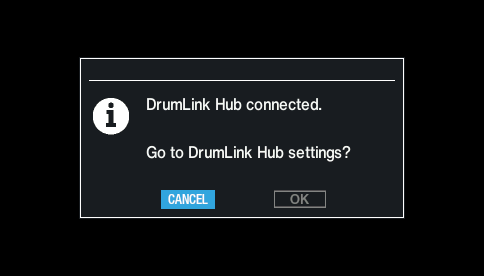
- Use the cursor buttons to select “OK”, and press the [ENTER] button.
- This switches to the DrumLink - HUB screen.