1. Connecting the DWe DrumLink™ hub to the V31
- Use a USB cable (commercially available) to connect the DIGITAL TRIGGER IN ports of the V31 to the DWe DrumLink hub.
NOTE
Do not place the DrumLink™ hub on top of the sound module. Place it on a nearby table or on the floor. When connecting, use a commercially available USB cable of the required length.
- The following message is shown once you connect the DrumLink™ hub.
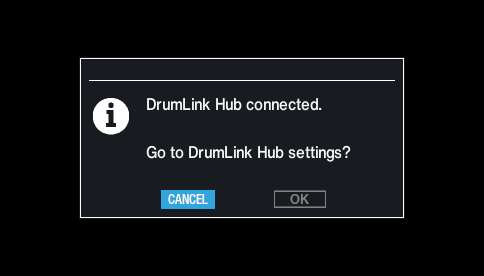
- Use the cursor buttons to select “OK”, and press the [ENTER] button.
- This switches to the DrumLink - HUB screen.