Setting the input volumes for the MIX IN jack and Bluetooth audio (AUDIO IN)
Here’s how to set the input volumes for the MIX IN jack and Bluetooth audio.
- Press the [MENU] button.
- Use the cursor buttons to select “SYSTEM” Ó “AUDIO IN”, and press the [ENTER] button.
- The AUDIO INPUT GAIN screen appears.
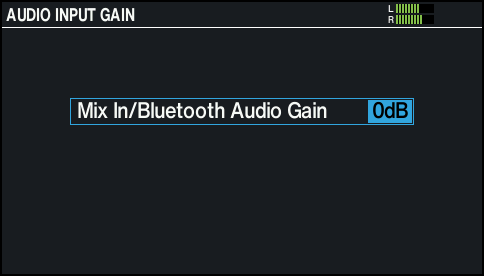
- Use the dial to change the value.

Value
Explanation
0, +6, +12dB
Sets the input volumes for the MIX IN jack and Bluetooth audio.
- Press the [KIT] button to return to the KIT screen.