Setting the brushes (BRUSH)
You can specify whether you’re performing with sticks or with brushes.
- Press the [MENU] button.
- Use the cursor buttons to select “KIT OPTIONS” Ó “BRUSH”, and press the [ENTER] button.
- The BRUSH screen appears.
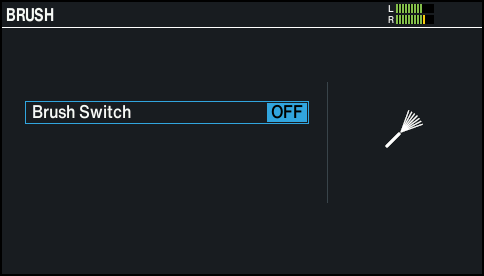
- Use the dial to switch between on/off.
- Press the [KIT] button to return to the KIT screen.