Adding effects (BUS FX)
You can apply a variety of effects to each pad.
BUS FX lets you configure the effects assigned to the bus (the signal path that the audio is sent through) and the routing (the order in which the effects are connected).
There are four buses (BUS A–D), and you can set two effects (FX1, FX2) for each bus.
ØFor details on the parameters that can be edited, refer to “Data List” (Roland website).
- Press the [KIT EDIT] button.
- Use the cursor buttons to select “BUS FX”, and press the [ENTER] button.
- Press the function buttons to access the respective settings screens.

Screen
Explanation
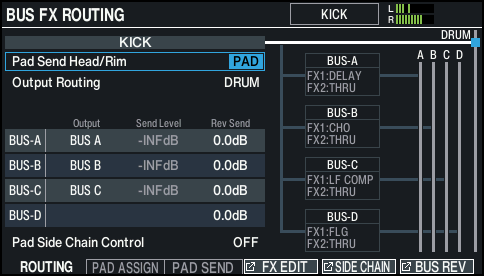
ROUTING screen
Configures the pad or bus routing.
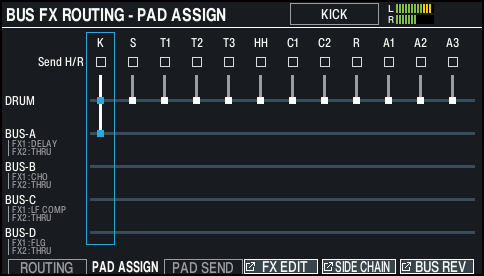
PAD ASSIGN screen
Configures the routing for each pad in list format.
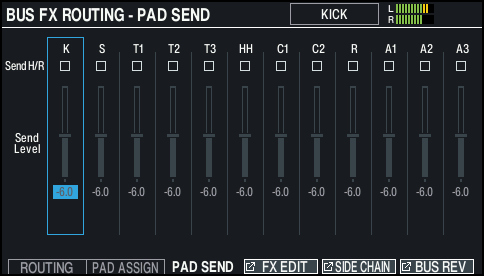
PAD SEND screen
Configures the bus effect send amount for each pad.
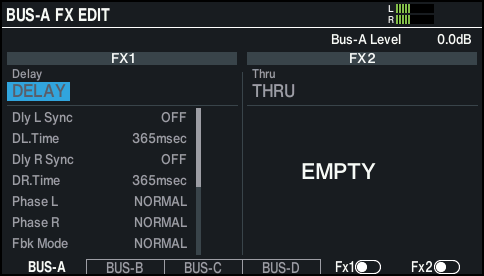
FX EDIT screen
Configures the FX1/FX2 effects for BUS-A through D.
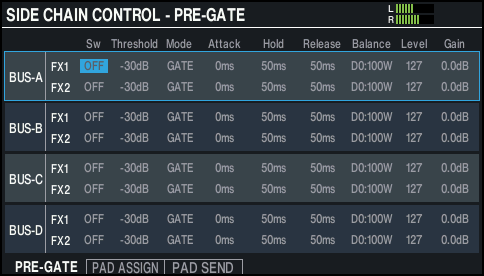
SIDE CHAIN screen
Configures the side chain.
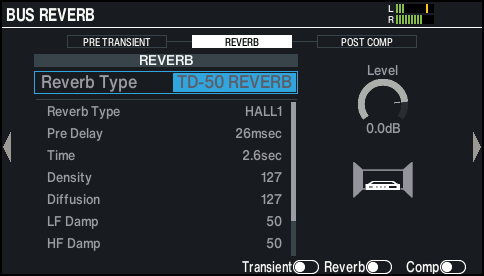
BUS REVERB screen
Configures the reverb that is applied to the bus.
- Edit the effect settings.
- Press the [KIT] button to return to the KIT screen.