Optimizing the slot area (OPTIMIZE)
The slot area may become fragmented as you repeatedly load and remove Instrument Expansions/Kit Packs, which could reduce the number of Instrument Expansions/Kit Packs that can be imported.
You can use this function to optimize the area, so that you can load Instrument Expansions and Kit Packs again.
- In some cases, optimizing might not produce results.
- On the SLOT screen, press the [F3] (OPTIMIZE) button.
- A confirmation message appears.
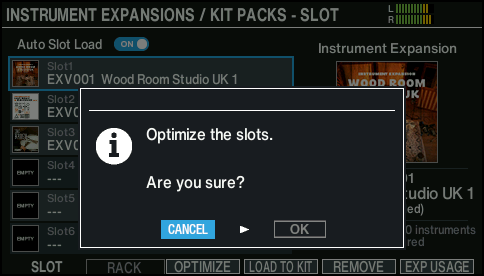
- If you decide to cancel, select “CANCEL” and press the [ENTER] button.
- Select “OK” and press the [ENTER] button.
- This optimizes the slot area.