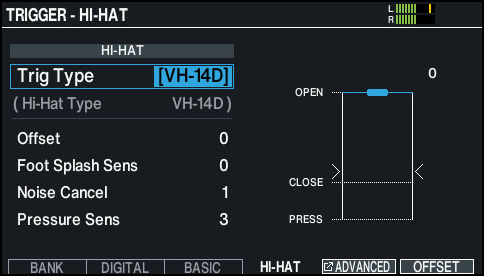
* “VH-14D” is not shown for the Trig Type if the VH-14D is not connected or if it is not assigned to the hi-hat. If this happens, connect the VH-14D and assign it to the hi-hat. Ø “Configuring pads that support digital connection”
Press the [F6] (OFFSET) button.
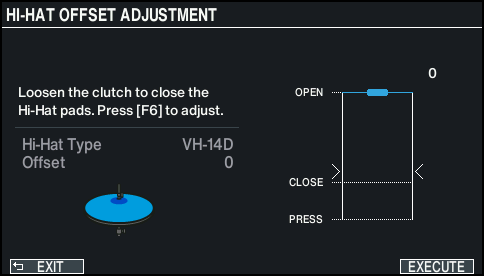
The HI-HAT OFFSET ADJUSTMENT screen appears.
Loosen the clutch screw of the VH-14D so that the hi-hat is closed.
* Do not touch the hi-hats or the pedal.
Press the [F6] (EXECUTE) button.
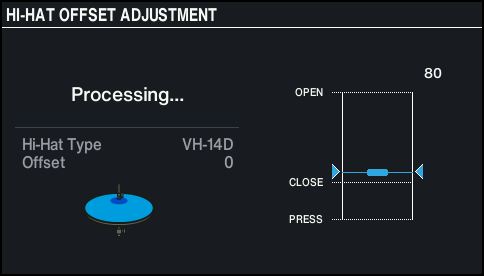
“Processing...” is shown once calibration begins.
“Complete!” is shown once calibration is finished, and the display returns to the TRIGGER screen.
Press the [KIT] button to return to the KIT screen.
Make detailed adjustments to the parameters as necessary.
Ø “Data List” (Roland website)
MEMO
You can also adjust the offset by holding down the [KIT] button and pressing the [TRIGGER] button.
When you first connect the VH-14D to a drum sound module, the recommended values are set for the trigger parameters. You may need to adjust the trigger parameters depending on the usage environment, such as how you’ve installed the VH-14D or the position in which it is set up. Ø “Data List” (Roland website)