Playing along with a changing tempo (AUTO UP/DOWN)
This mode lets you practice playing along with a changing tempo.
- On the CLICK screen, press the [F5] (COACH) button.
- Use the cursor buttons or the dial to select “AUTO UP/DOWN” and press the [ENTER] button.
- The COACH - AUTO UP/DOWN screen appears.
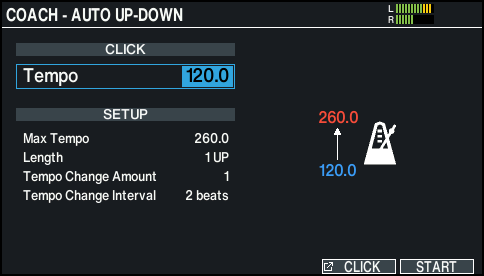
- Use the [-] [+] buttons or the dial to set the tempo (start tempo) when you start practicing.
- Press the [F6] (START) button to start.
- Play the pads in time with the changing tempo.
- The tempo changes between the start tempo and the maximum tempo, according to the Length setting.
Ø “AUTO UP/DOWN settings (SETUP)” 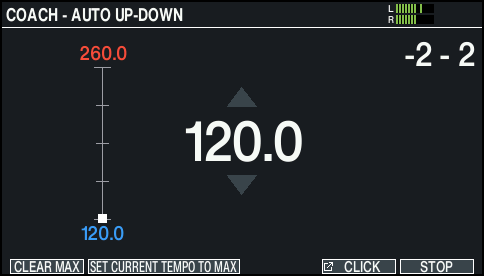
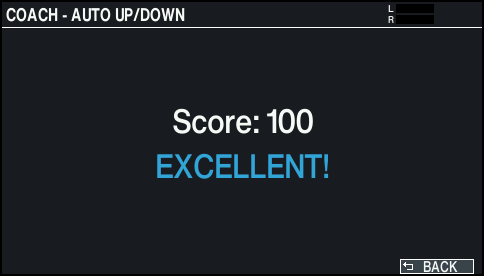
- After the practice ends, the result of how accurately you played the pads is shown.
MEMO
- To stop during practice, press the [F6] (STOP) button.
- You can set the maximum tempo while hearing the change in tempo. Press the [F1] (CLEAR MAX) button to start practicing with the maximum tempo of 260.0 (maximum), then press the [F2] (SET CURRENT TEMPO TO MAX) button when the desired maximum tempo is reached.
- Press the [F6] (BACK) button to finish.