What to do when the connection with a DWe pad is unstable
If the connection between the V71 and the DWe pads is unstable, you may experience the following issues.
- Cannot pair the V71 with a DWe pad
- Delay in hearing sound, or sound getting cut off
- Modified settings on DWe pad not being applied
If this happens, reset the channel used when connecting the pad.
- Access the DrumLink - HUB screen.
- Press the [F1] (RF SCAN) button while holding down the [SHIFT] button.
- A message asking whether you want to execute the channel scan is shown.
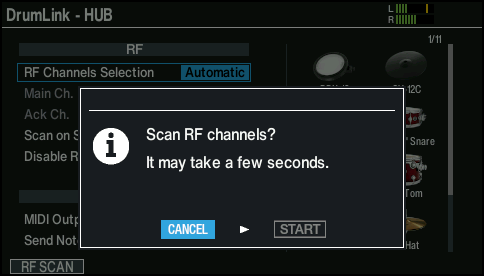
- * If the [F1] (RF SCAN) button is not shown, set RF Channels Selection to “Automatic”.
- Use the cursor buttons to select “START” and press the [ENTER] button.
- This starts the channel scan.
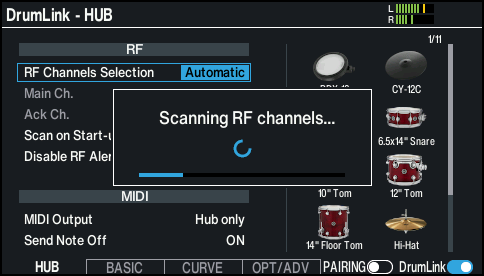
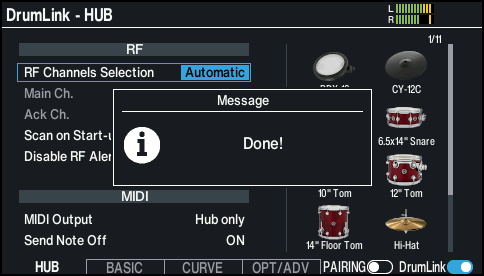
- Once the scan is complete, the appropriate channel is set automatically, and the following message is shown.
MEMO
You can also select channels manually. For details on the parameters that can be edited, refer to “Data List” (Roland website).