Turning the power on
- Turn the volume of the V51 and the connected devices all the way down.
- Turn the [POWER] switch of the V51 to the “ON” setting.
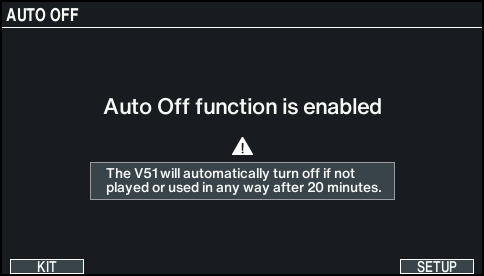
- When you turn the unit on, the following screen appears.
MEMO
- If the Auto Off function is set to “OFF”, this screen doesn’t appear.
- To change the Auto Off function settings, press the [F6] (SETUP) button.
Ø “Making the power automatically turn off after a time (AUTO OFF)”
- Press the [KIT] button to return to the KIT screen.
- Turn on the connected devices and adjust the volume.