Turning the click on/off
- Press the [CLICK] button.
- The CLICK screen appears.
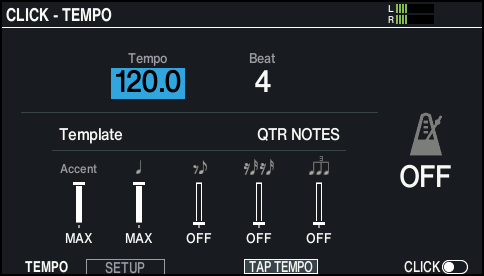
- Press the [F6] button.
- The click sounds.
- To adjust the volume of the click, turn the [BACKING] knob.
- Press the [F6] button once again.
- The click stops.
MEMO
- You can also turn the click on/off by holding down the [SHIFT] button and pressing the [CLICK] button.
- You can also output the click only to headphones.
Ø “Audio output assignments (OUTPUT)”