Setting the drum kit volume (KIT VOLUME)
Sets the drum kit volume.
- Select “KIT VOLUME” on the KIT OTHERS screen, and then press the [ENTER] button.
- The KIT VOLUME screen appears.
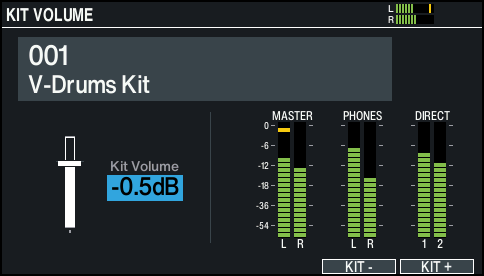
- Use the [-] [+] buttons or the dial to edit the values.

Parameter
Value
Kit Volume
-INF–+6.0dB
- Press the [KIT] button to return to the KIT screen.