Making MIDI transmit/receive settings for each pad (KIT MIDI)
You can specify the MIDI data that is transmitted or received when you strike a pad.
Ø For details on the parameters that can be edited, refer to “Data List” (Roland website).
- Select “KIT MIDI” on the KIT OTHERS screen, and then press the [ENTER] button.
- Press the function buttons to access the respective settings screens.

Screen
Explanation
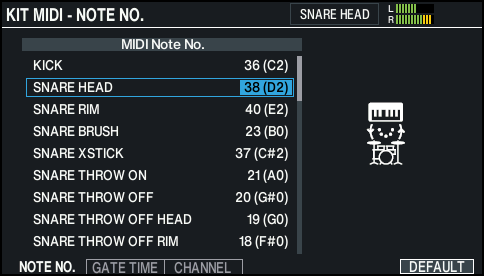
KIT MIDI - NOTE NO screen
Sets the MIDI note number transmitted and received by each pad.
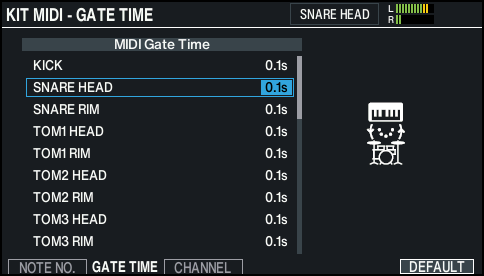
KIT MIDI - GATE TIME screen
Sets the duration of the notes transmitted by each pad.
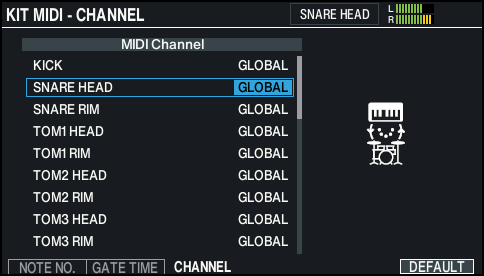
KIT MIDI - CHANNEL screen
Sets the MIDI channel used to transmit or receive note messages for each pad.
- Use the cursor buttons to select a parameter, and use the [-] [+] buttons or the dial to edit the value.
MEMO
To return to the default values, press the [F6] (DEFAULT) button.
- * To play a pad from an external MIDI device, the incoming message must match the MIDI note number and MIDI channel setting of the desired pad.
- Press the [KIT] button to return to the KIT screen.