Configuring the drum kit-related settings (KIT OPTION)
Sets the brush, drum kit tempo, KIT screen view and so on.
ØFor details on the parameters that can be edited, refer to “Data List” (Roland website).
- Select “KIT OPTION” on the KIT OTHERS screen, and then press the [ENTER] button.
- Press the function buttons to access the respective settings screens.

Screen
Explanation
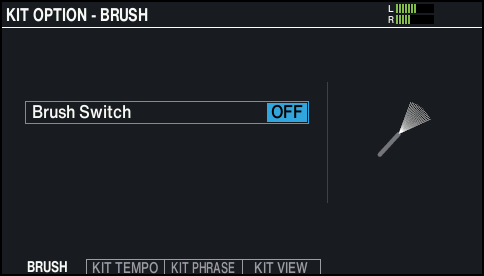
KIT OPTION - BRUSH screen
You can specify whether you’re performing with sticks or with brushes.
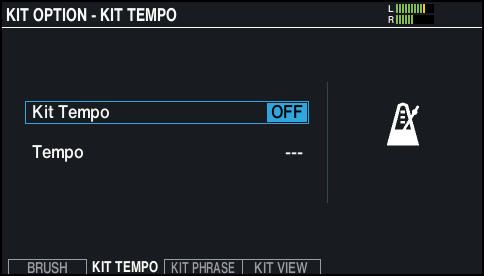
KIT OPTION - KIT TEMPO screen
When you select a drum kit, the tempo you specify here is automatically applied.
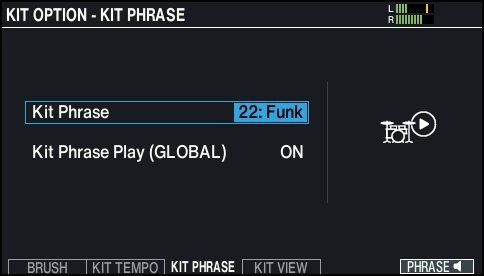
KIT OPTION - KIT PHRASE screen
Plays the phrase of the currently selected drum kit, letting you check the sound.
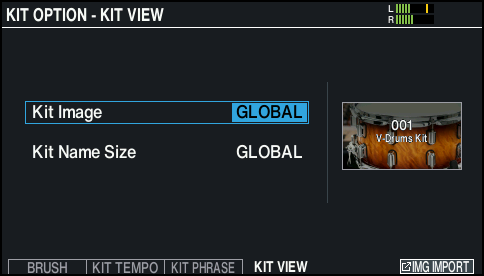
KIT OPTION - KIT VIEW screen
Configures the background and text size for the KIT screen.
- Use the cursor buttons to select a parameter, and use the [-] [+] buttons or the dial to edit the value.
- Press the [KIT] button to return to the KIT screen.