Checking the usage status of an SD card (INFO)
Here’s how to check the number of settings that are saved on the SD card.
- Insert the SD card into the V51.
- Ø “Side panel and front panel”
- Access the BACKUP screen.
- Use the cursor buttons to select “INFO”, and press the [ENTER] button.
- The SD CARD INFORMATION screen appears.
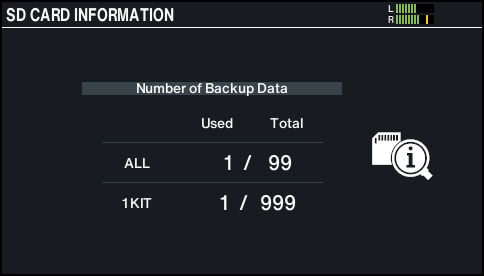

Parameter
Explanation
ALL
Number of saved backup data
1 KIT
Number of saved kit backup data
- Press the [KIT] button to return to the KIT screen.