Restoring the drum kit to factory settings
You can use the copy function to restore drum kits to their factory (preset kit) settings.
- Select “KIT” on the COPY screen, and then press the [ENTER] button.
- Press the [F2] (PRESET) button.
- The COPY KIT FROM PRESET DATA screen appears.
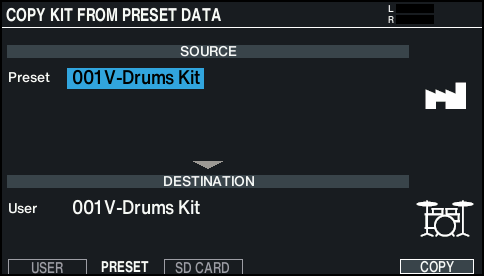
- Move the cursor to the preset kit, and use the dial to select the preset kit with the same number as the kit you wish to restore to the factory settings.
- Move the cursor to the user drum kit, and use the dial to select the kit you want to restore to preset settings.
- Press the [F6] (COPY) button.
- A confirmation message appears.
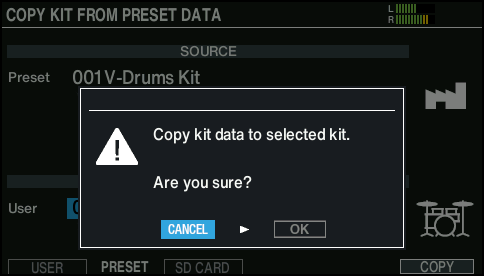
- If you decide to cancel, select “CANCEL” and press the [ENTER] button.
- Select “OK” and press the [ENTER] button.
- This copies the kit.