MANUAL WEB
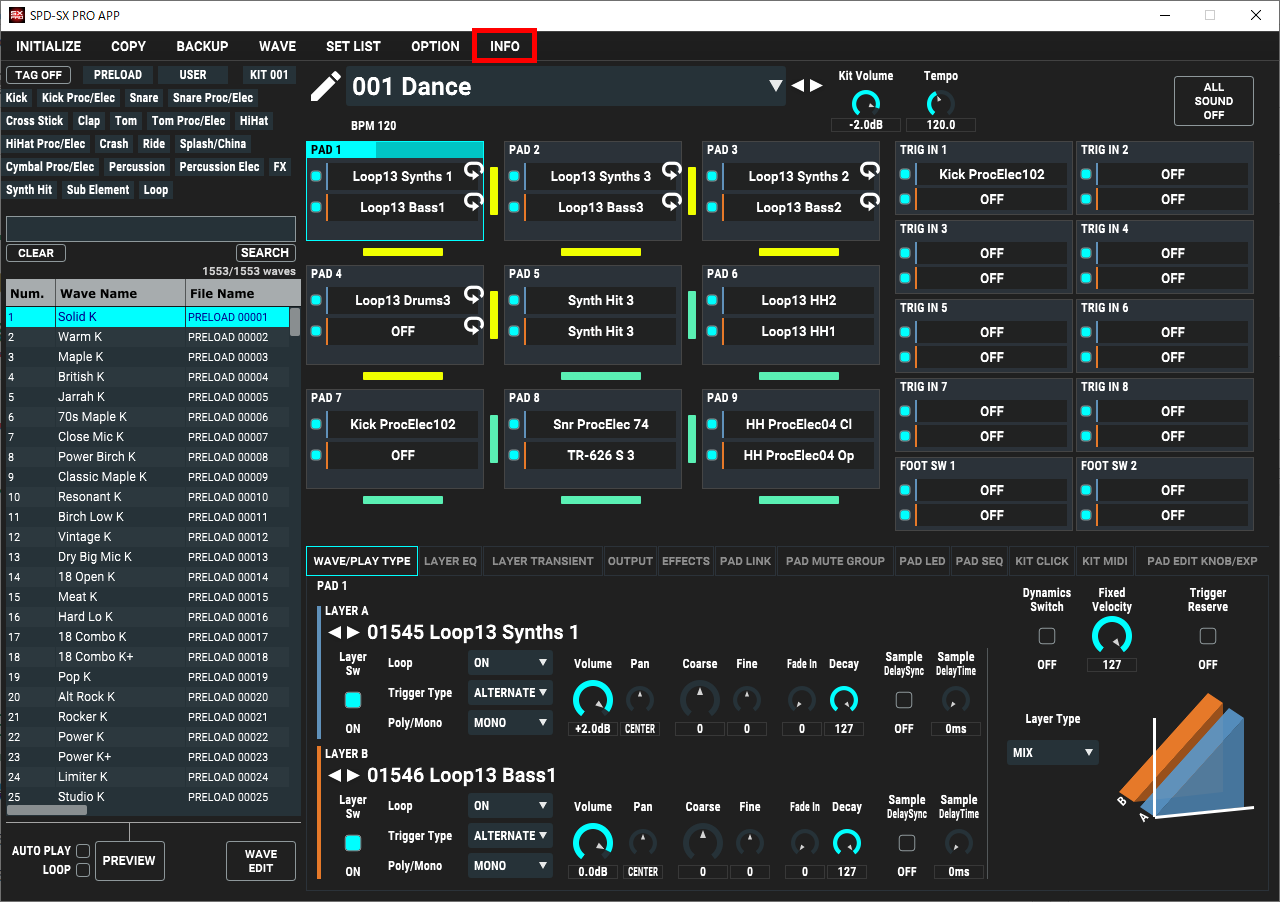
SPD-SX PRO APPDisplays the Owner’s Manual.
Your computer must be connected to the Internet to view this content.
GET FACTORY RESET DATA
You can download the factory default settings data (SPD-SX PRO FACTORY RESTORE DATA).
When you load kit backup data into this unit that you downloaded from Roland Cloud, the Roland Cloud license data is saved on the SPD-SX PRO.
Restoring this unit as shown below resets all of this license and kit backup data that you loaded, as well as your user samples and everything else to the factory default settings.
VERSION
Displays the version of the system program for the SPD-SX PRO and SPD-SX PRO APP.