Download the Melodics app beforehand from the website shown below andinstall it on your computer.
- Use a commercially available USB cable to connect the SP-404MK2’s USB port to your computer’s USB port.
- Turn on the power of the SP-404MK2.
Launch the Melodics app on the computer where you installedit.
Melodics should automatically detect the SP-404MK2when you launch the app.
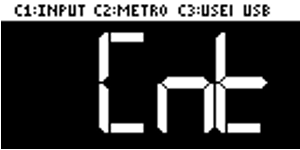
The screen that’s shown below appears on the SP-404MK2at this time, and the unit operates in “Melodics controllermode”.