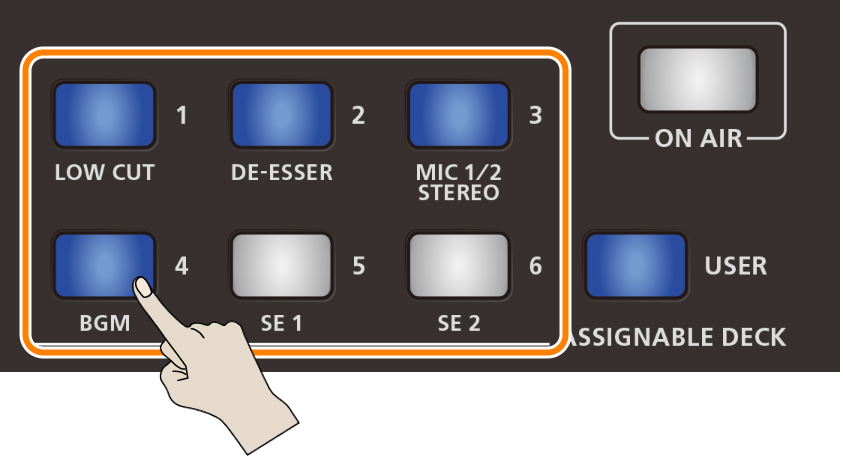
You can assign functions like video and scene selection to pads [1]–[6] (user settings).
When the [USER] button on the VRC-01 is lit, you can use the ASSIGNABLE DECK [1]–[6] buttons on the VRC-01 to operate each pad.
- The pads can’t be operated from the AeroCaster LIVE app.
Assigning functions to pads
Tap
 (Pad Settings), and then tap the pad you wish to assign a function to (pads [1]–[6]).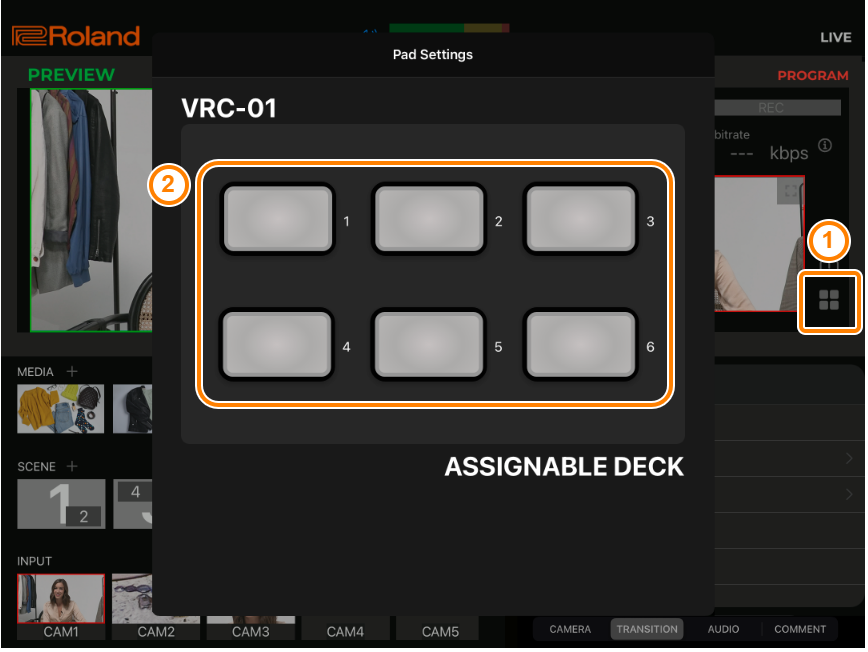
Tap the tabs to switch between views.
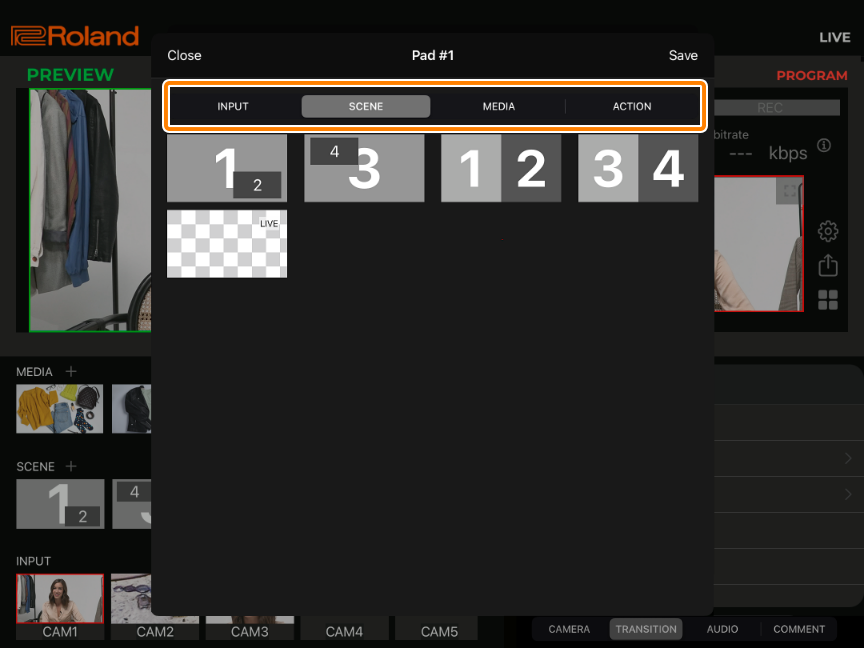
Tab Assignable functions INPUT Select video for INPUT CAM1–5 SCENE Select a scene MEDIA Select an audio, still image or video file registered in MEDIA ACTION TAKE: [TAKE] button (sends the preview video to final output). FADE: [FADE] button (fades the final output video in/out). Tap the function you want to assign, and tap “Save”.
A green border appears around the selected function. Tap again to deselect.
The pads to which functions are assigned light up blue.
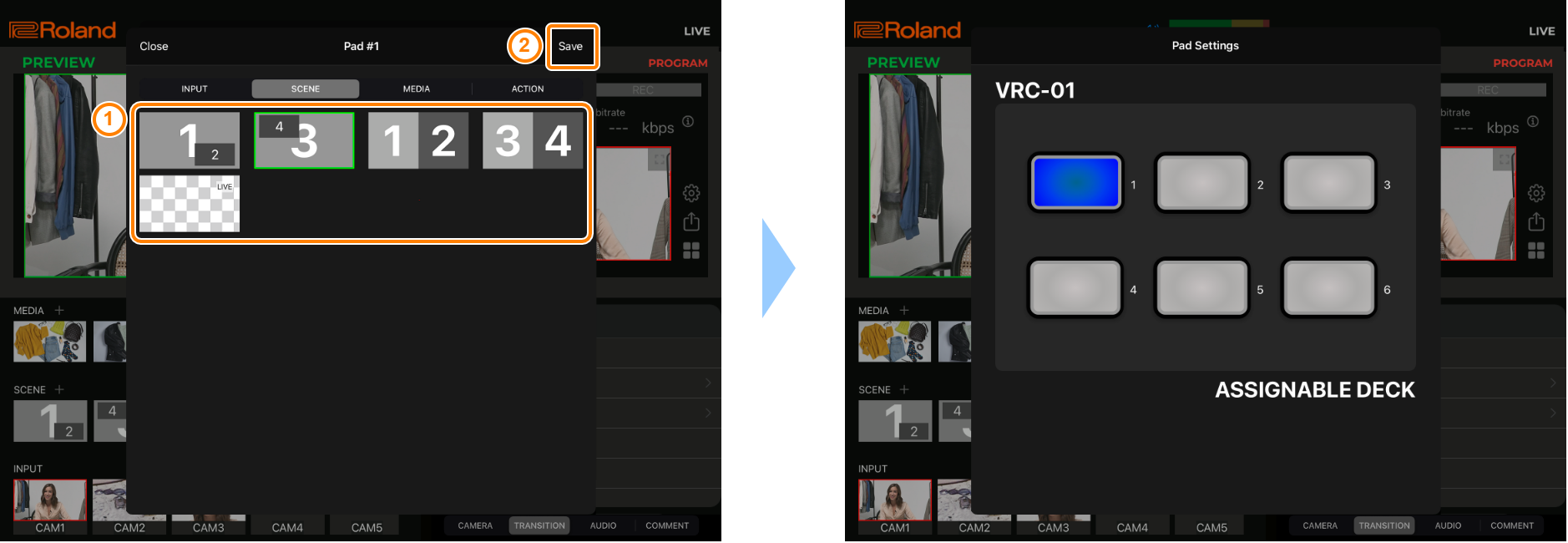
Tap anywhere outside of the Pad Settings menu, or swipe down on the Pad Settings menu to close.
Operating the pads from the VRC-01
Press the [USER] button on the VRC-01 to make it light up.
The ASSIGNABLE DECK buttons to which functions have been assigned light up blue.
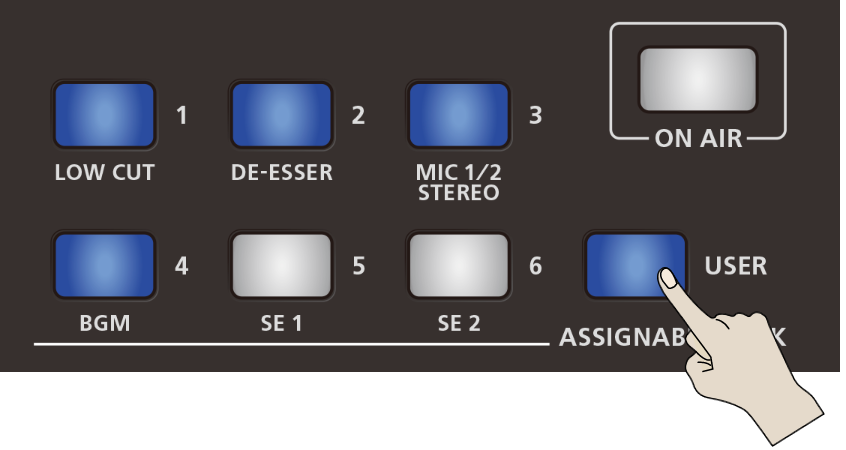
Press the ASSIGNABLE DECK [1]–[6] buttons on the VRC-01.